
Step 1
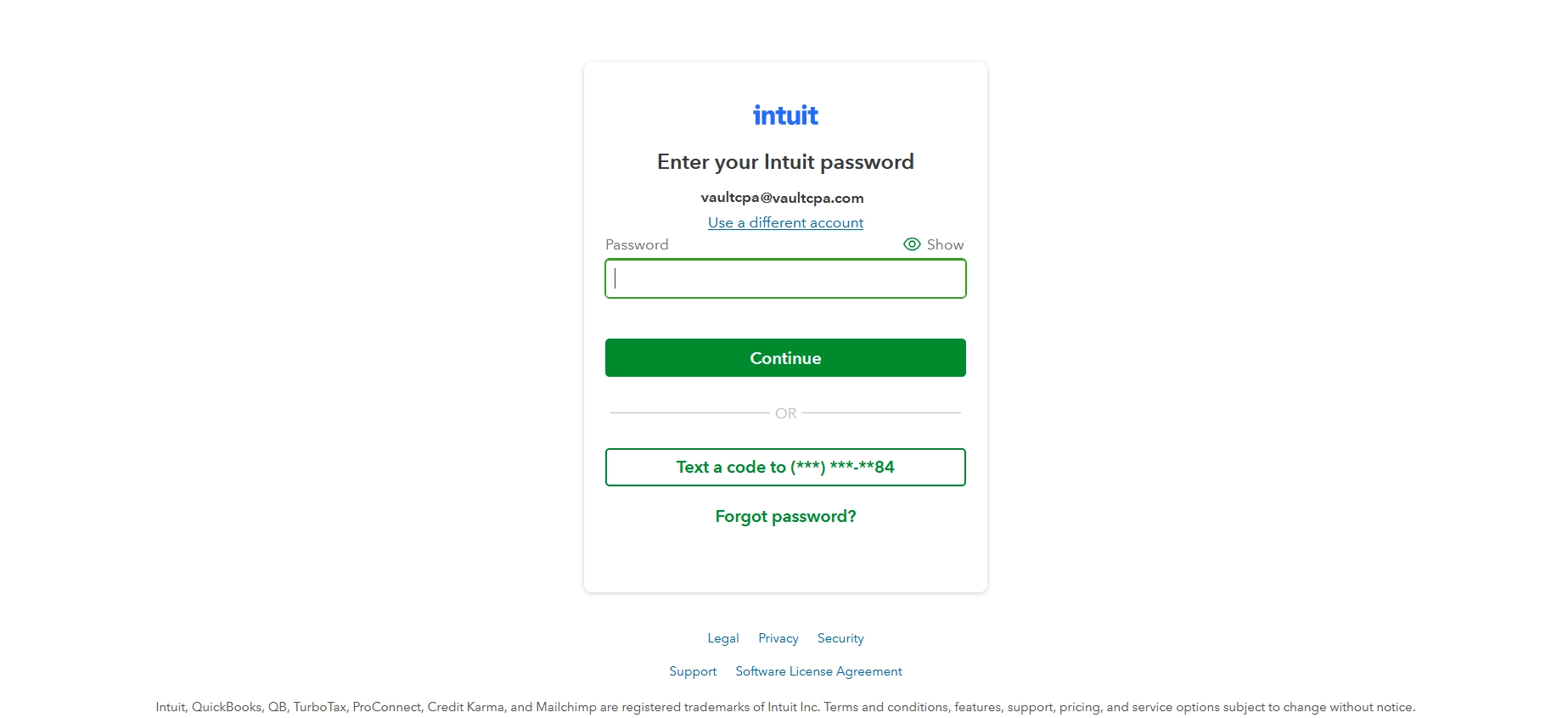
Sign in to QuickBooks Online as you normally do. Click your account, or "Use a different account" if yours is not listed
Step 2
Enter your Intuit password and click "Continue"
Step 3
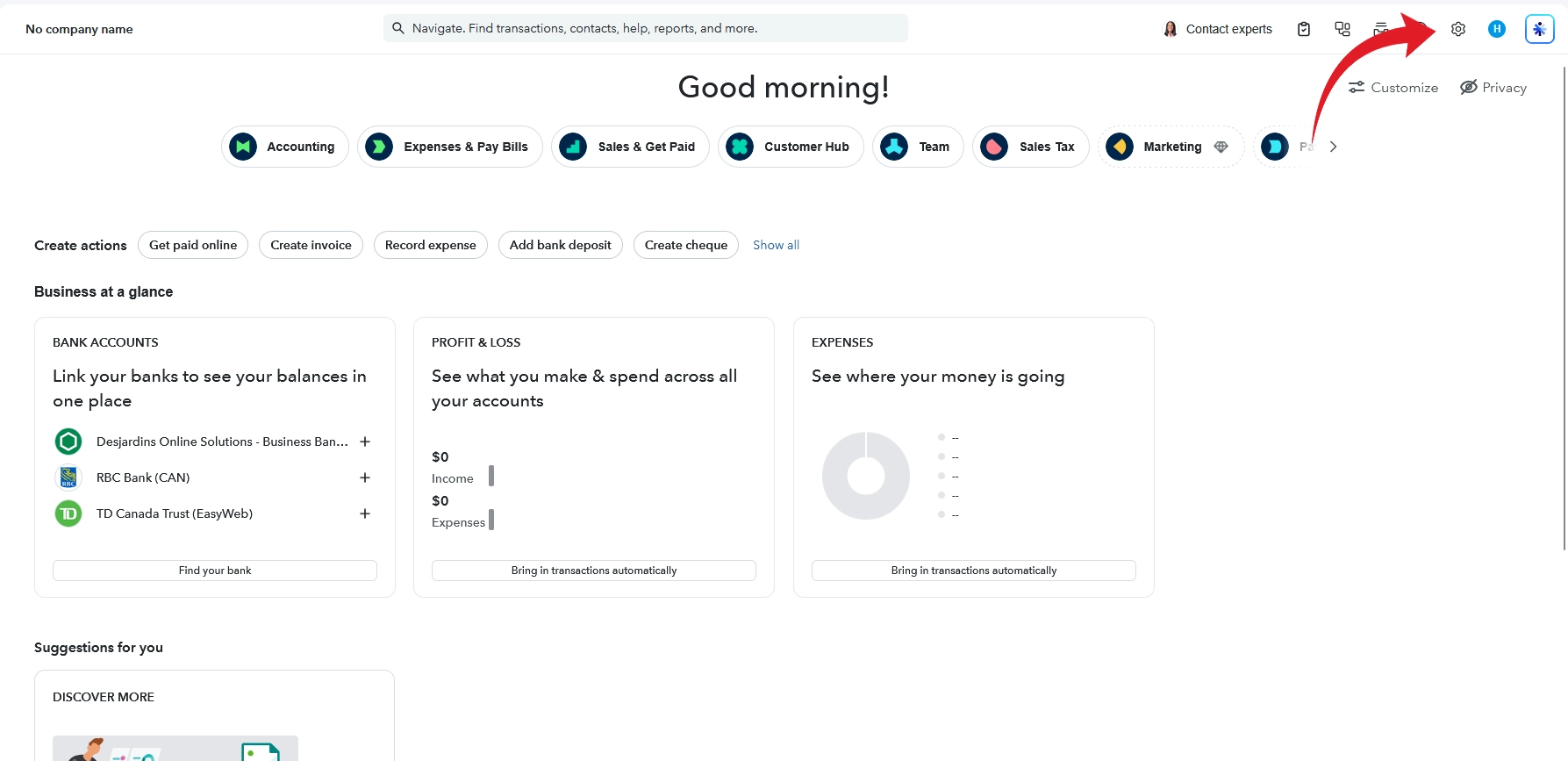
Once you are in your company, click the gear icon at the top right
Step 4
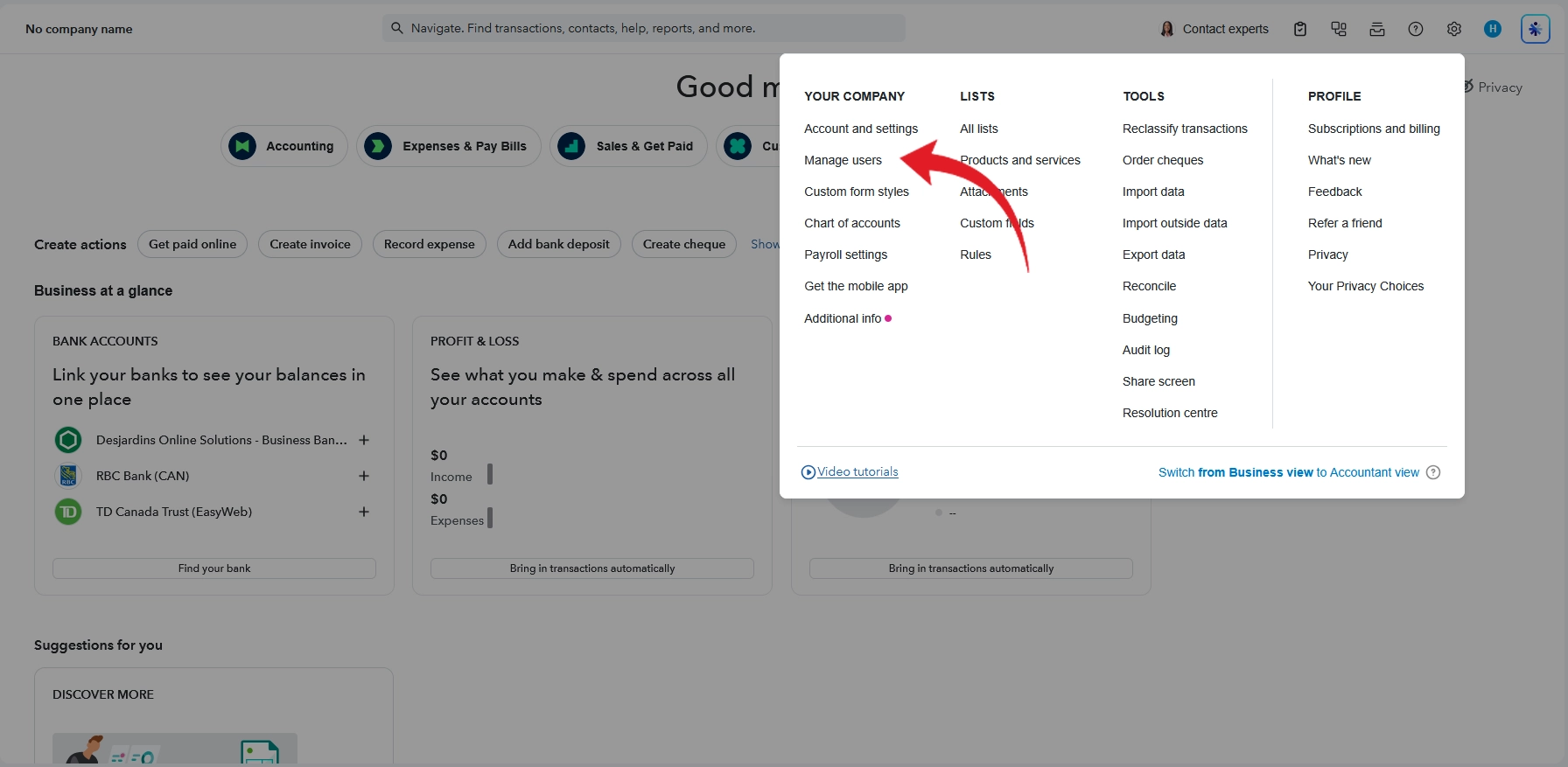
Under "Your Company", click "Manage users"
Step 5
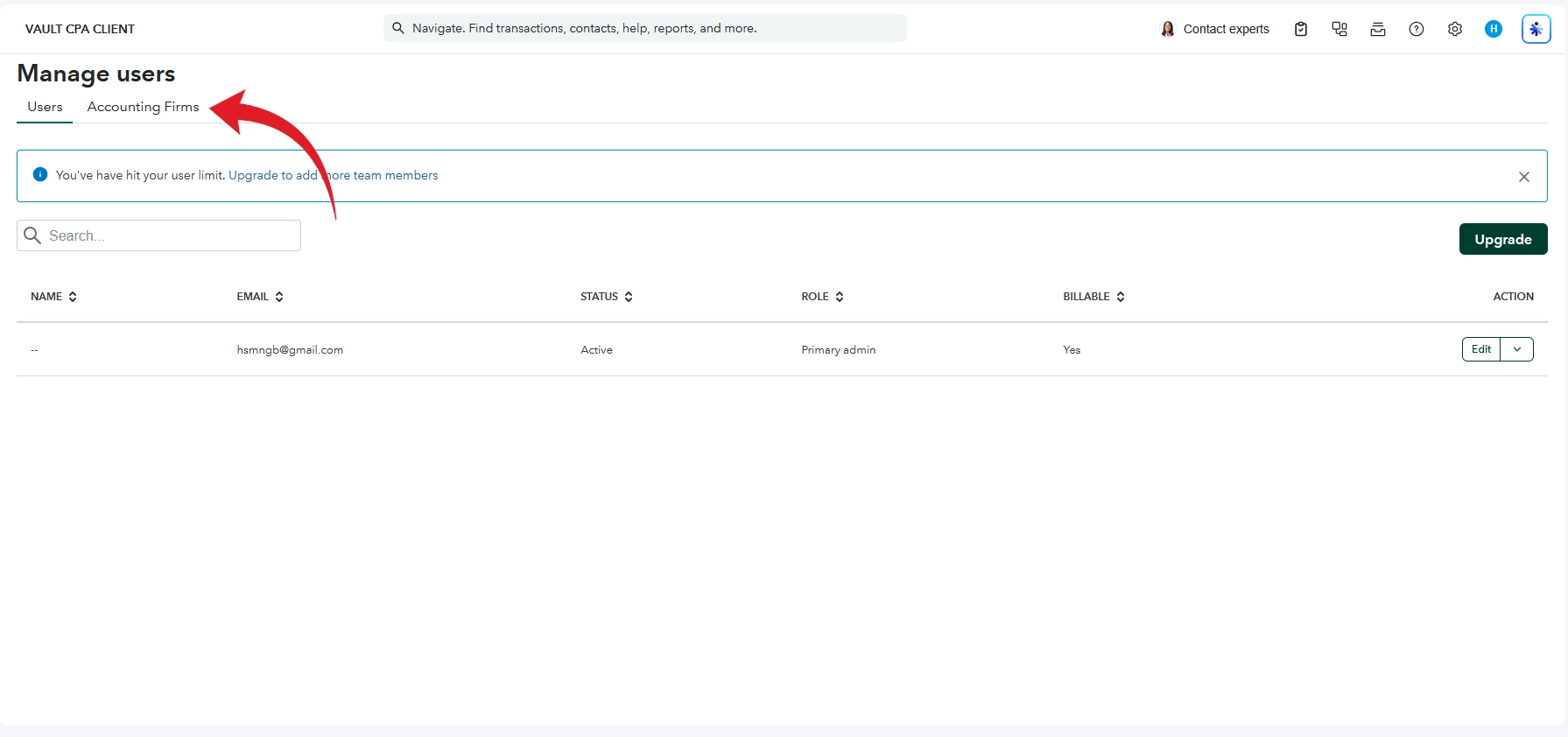
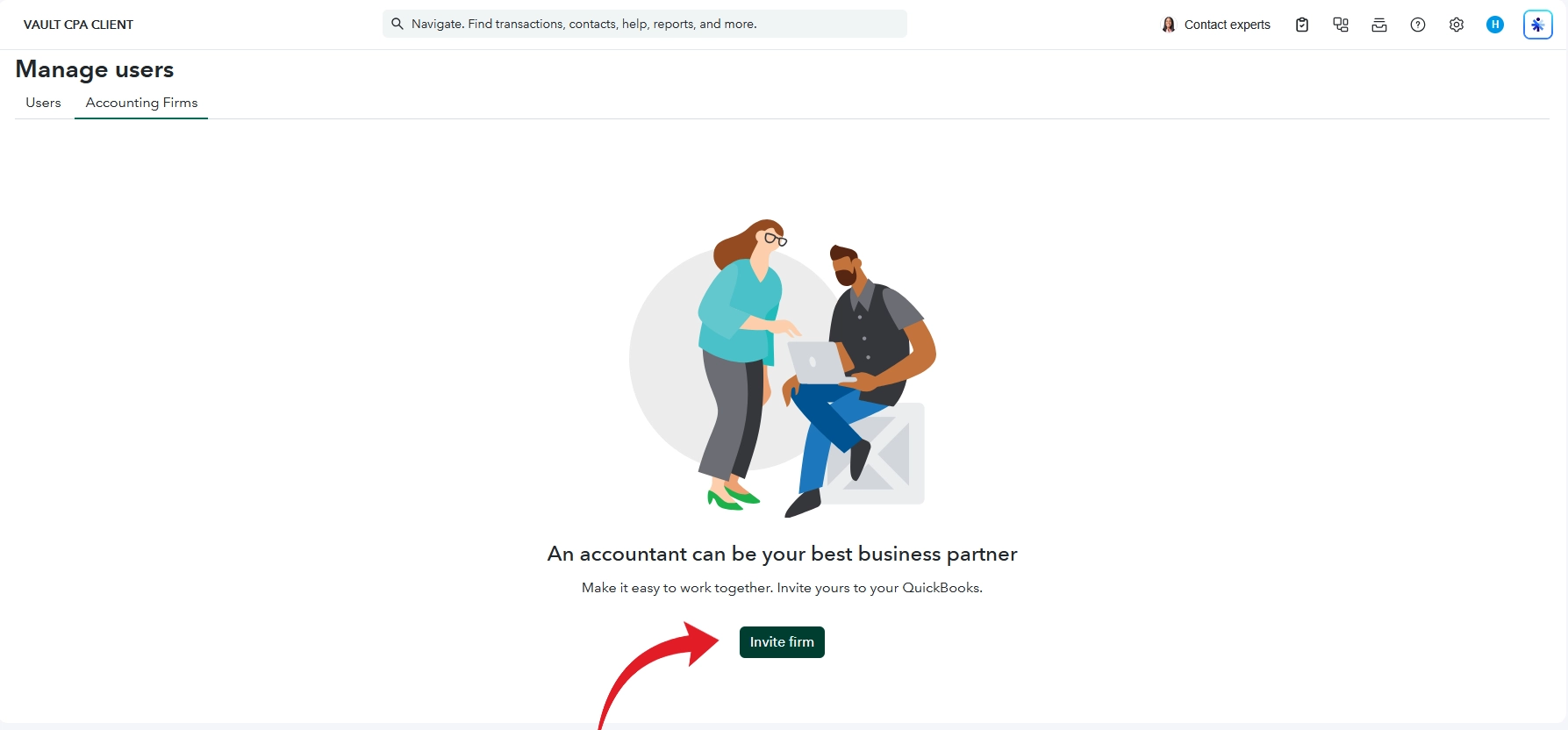
Click the "Accounting Firms" tab
Step 6
Click "Invite firm"
Step 7
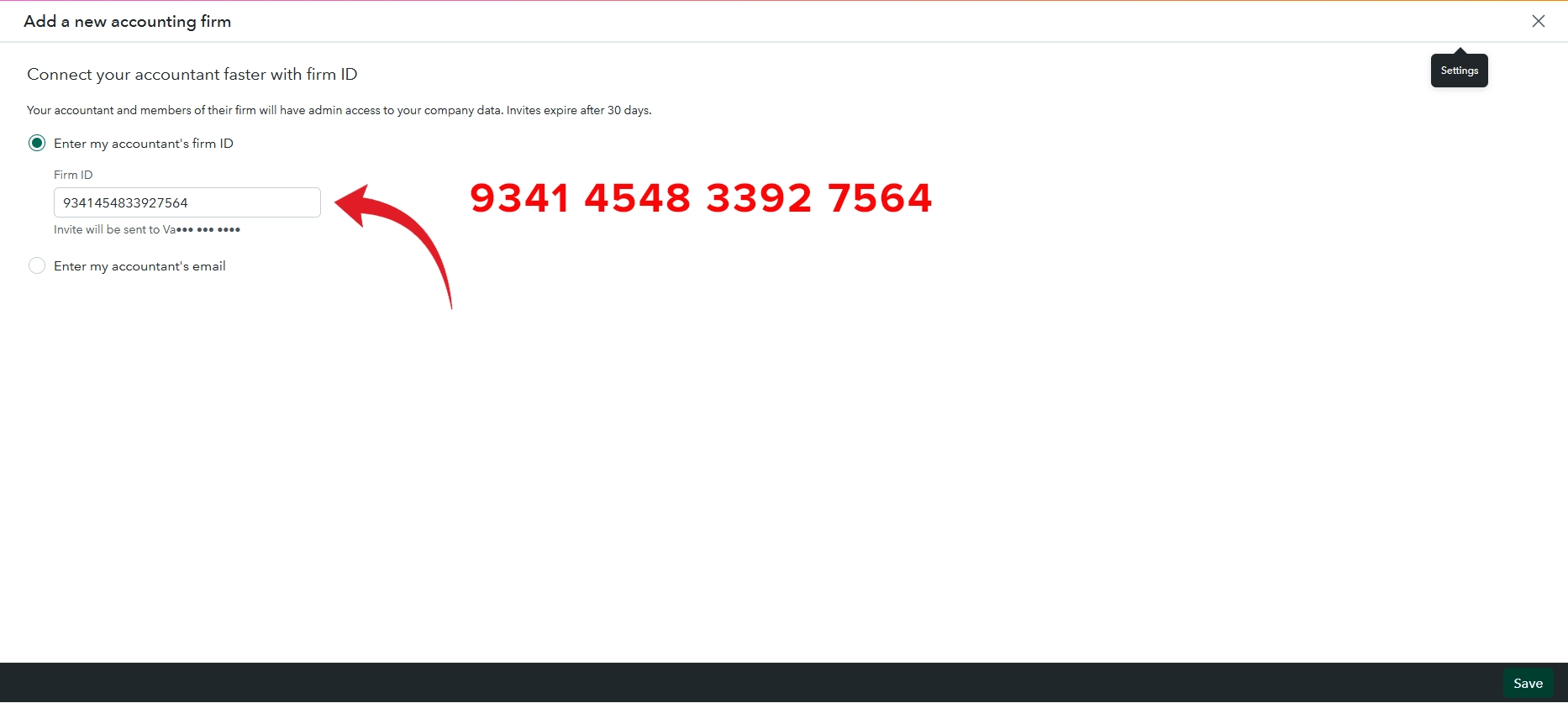
Select "Enter my accountant's firm ID", type 9341 4548 3392 7564 in the Firm ID box, then click "Save" at the bottom right
Step 8
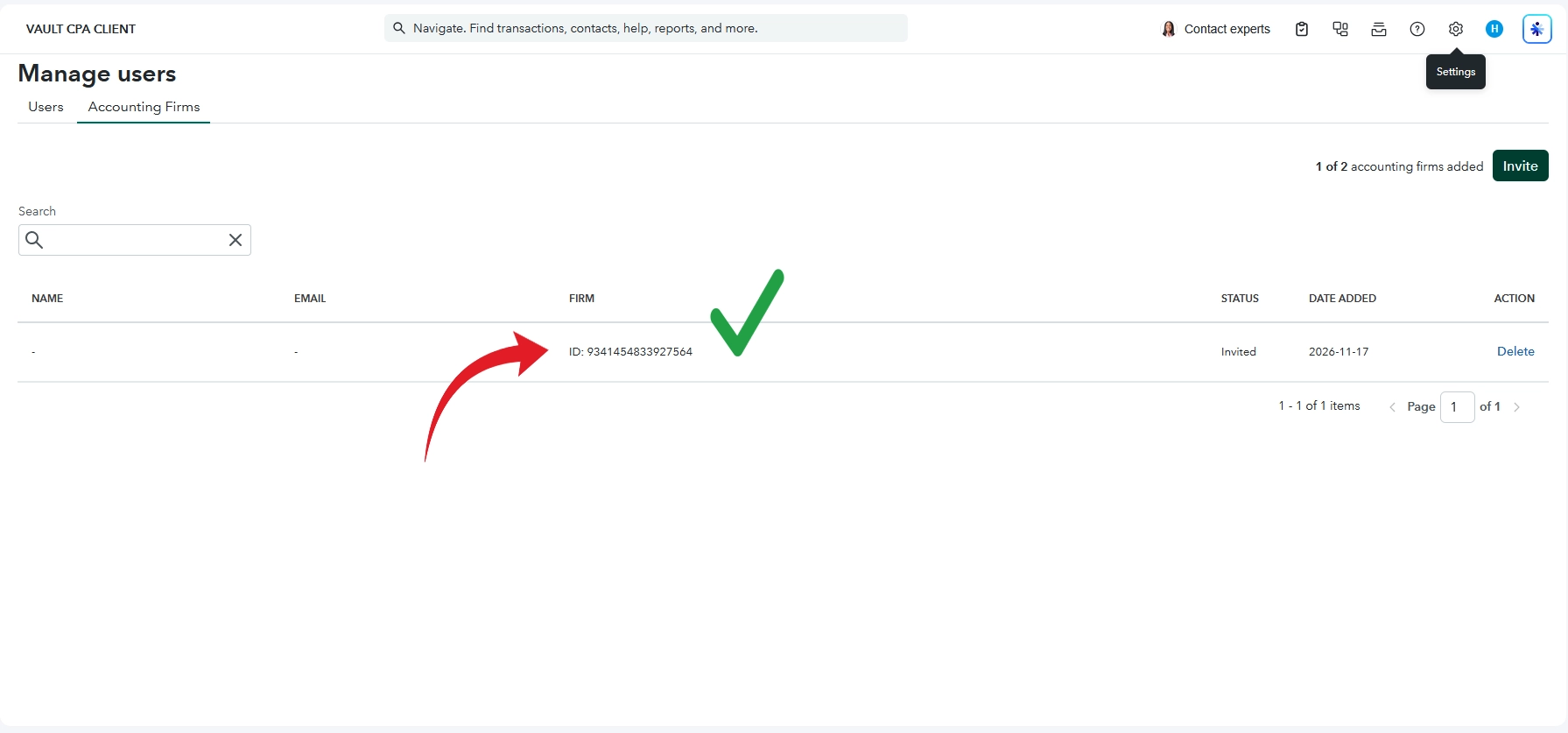
Our Firm ID will now show in your list with the status "Invited". You're all done!